Can my bot show places on a map?
Yes. Ask Alori's Chat, your bot or your personal assistant to show places on a map: every place shows as a numbered pin, with directions and a link to Google Maps.
Yes. Ask Alori's Chat, your bot or your personal assistant to show places on a map ("show me on a map", "where is this customer?"). A map shows under the reply with every place as a numbered pin, and the same numbers in the list under it.
Also called: map, carte, Google Maps, directions, itinéraire, address, adresse, where is, où est, nearby, à proximité
Step 1: Ask for a map
Ask: "Where can I eat near the office? Show me on a map." Alori looks up the places, then puts them all on a map under the reply. Drag the map to move around, and use + and − to zoom.
Click: Chat, or Bots › your bot › type your question
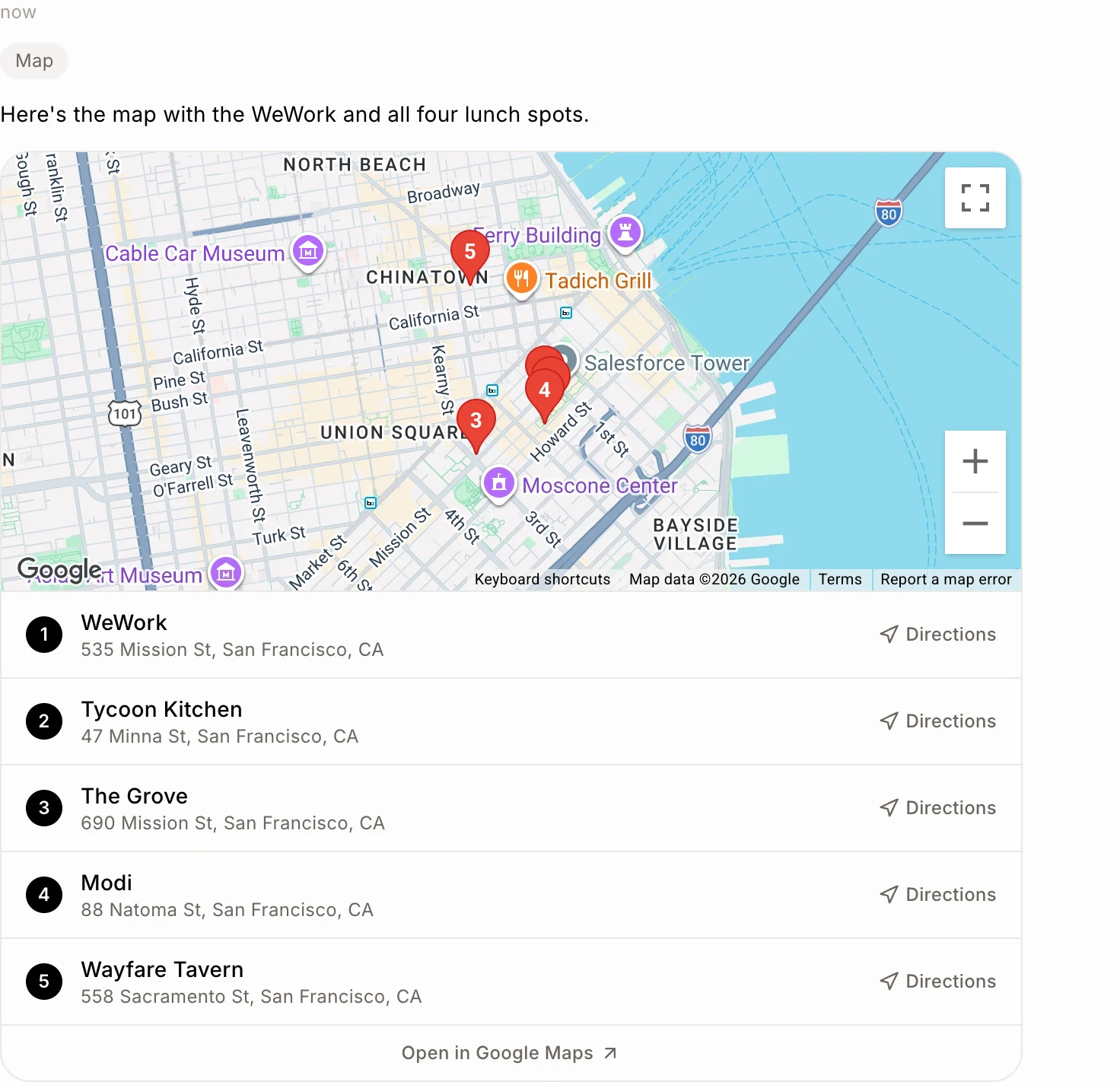
Step 2: Pick a place
Click a place in the list, or its pin, to zoom in on it. Click it again to see all the places. Click Directions next to a place to get there from where you are.
Click: a place in the list › Directions
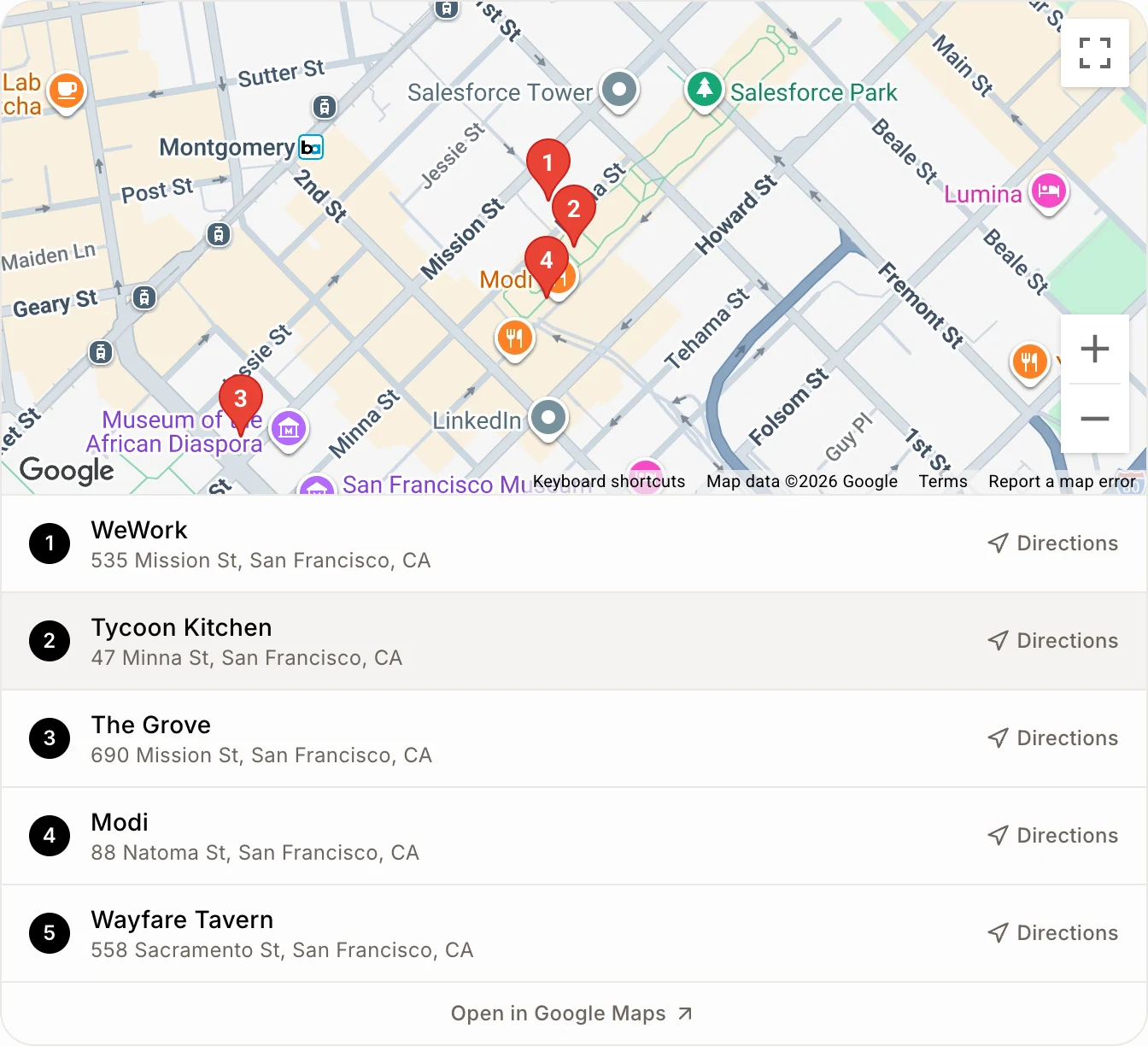
Step 3: Open it in Google Maps
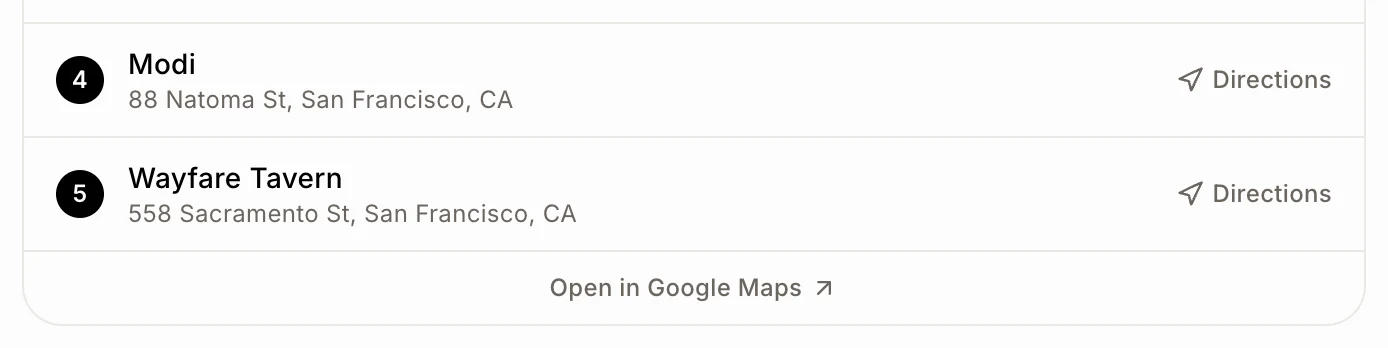
Click Open in Google Maps under the list to see the place picked in Google Maps, on your computer or your phone.
Click: Open in Google Maps
If it doesn't work
No map in a text, a call, Slack or Discord: maps only show in Alori: the Chat and your bot's chat. By text, your bot gives the name and the address instead.
The map shows the wrong spot: ask it to check the address and show it again.
The map shows one place at a time: Google couldn't find one of the addresses. Click each place in the list to see it, or ask it to check the addresses.
Credits: a map uses a few credits: finding the places once, and each time the map shows. See What uses credits?