How do I resell Alori to my clients?
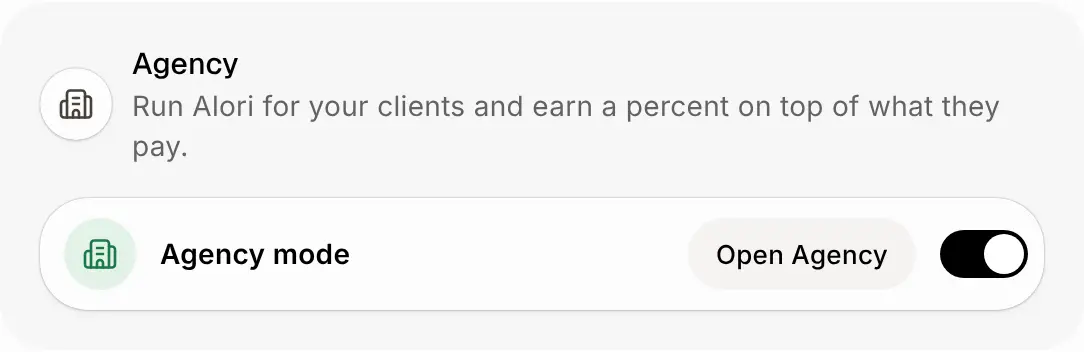
Turn on Agency mode in Settings, copy your app for each new client, invite them as owner, and earn a percent on everything they pay.
Turn on Agency mode in Settings. Then, on the Agency page, copy your app for each new client, invite them as its owner, and earn a percent on top of everything Alori charges them.
Also called: agency, reseller, resell, partner, client accounts, agence, revendeur, revente, comptes clients
Step 1: Turn on Agency mode
Only the account owner can turn it on. Your clients pay 20% on top of Alori's prices until you change it.
Click: Settings › Agency mode
Step 2: Copy your app for a new client
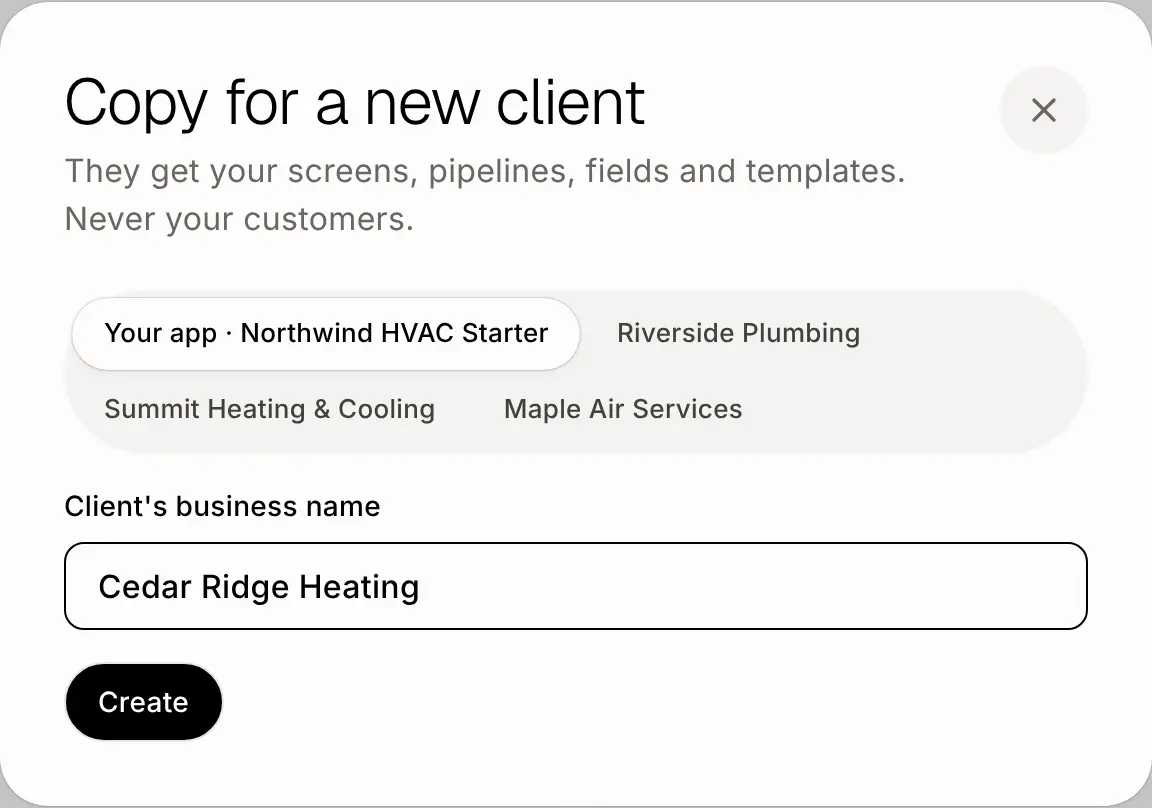
Build your best app in your own account first. Then click Copy for a new client, type the Client's business name, and click Create. They get your screens, pipelines, fields, templates, price list and Help center. Never your customers, deals or invoices. You land in their account while it is set up.
Click: Agency › Copy for a new client › Create
Step 3: Invite the owner
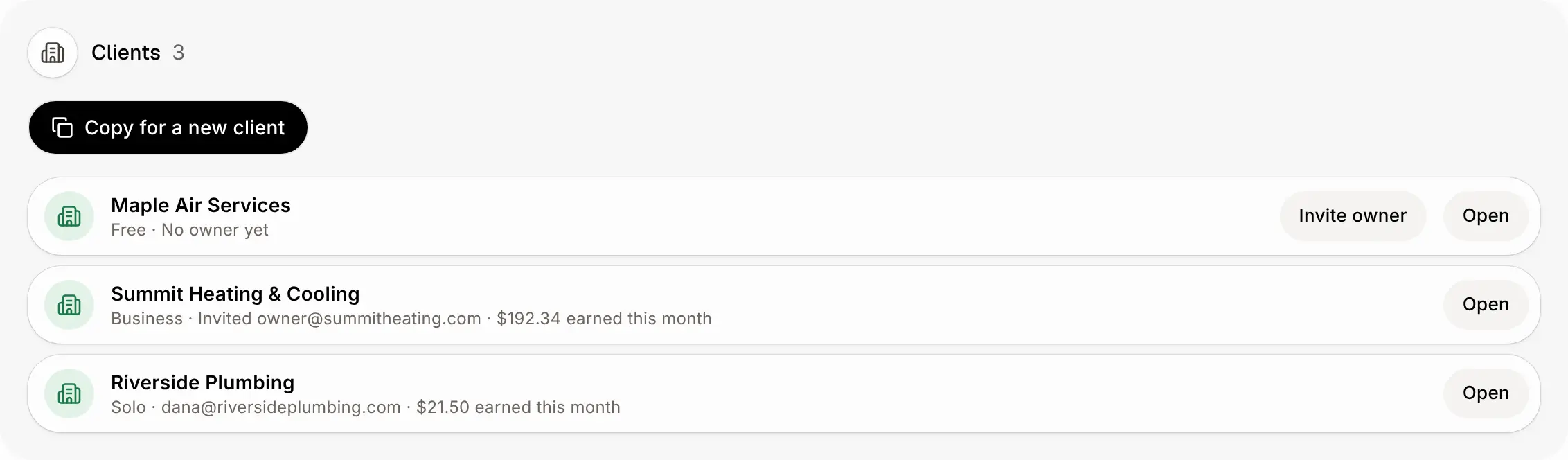
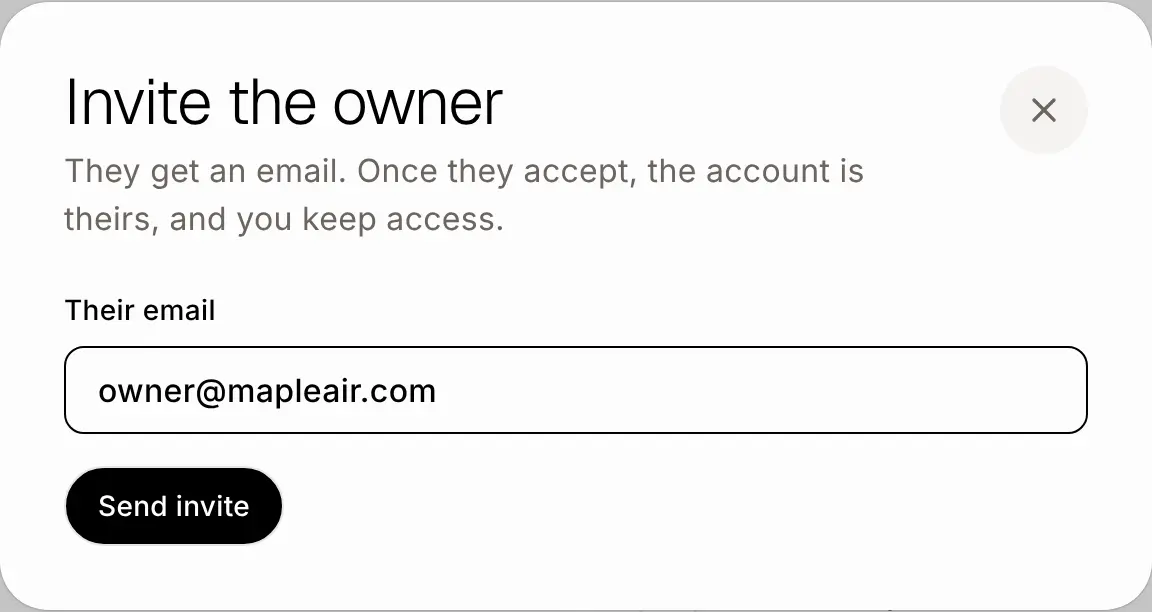
Back on the Agency page, click Invite owner beside the client and type their email. Once they accept, the account is theirs, and you keep access. Click Open any time to work in their account.
Click: Agency › Invite owner › Send invite
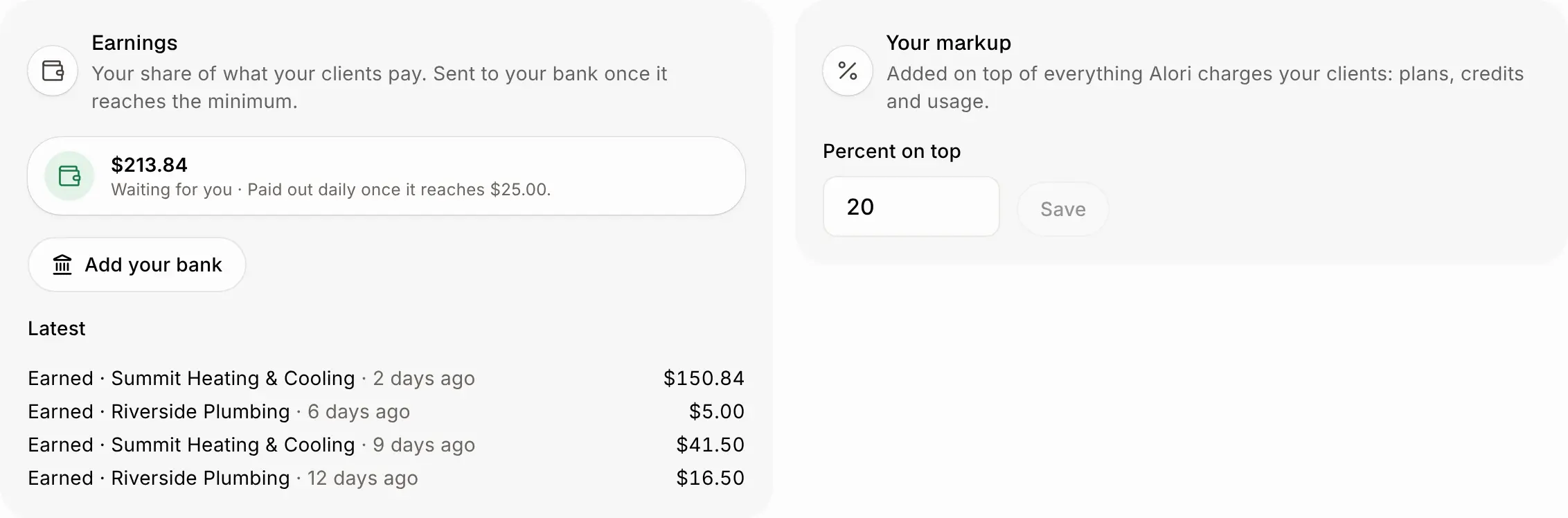
Step 4: Set your markup and add your bank
Under Your markup, type the percent added on top of everything your clients pay: plans, credits and usage. Plans change at their next renewal. Then click Add your bank. Your share is paid out daily once it reaches $25.
Click: Agency › Your markup › Save
If it doesn't work
Only the account owner can change this.: ask the person who made your Alori account.
Hand over or release your clients before turning this off.: Agency mode stays on while you still manage clients.
Build your own app first, then copy it here.: your account has no app ready to copy yet.